36% off on product page · save $187.48
Soundbar On but No Sound? How to Find and Fix the Cause
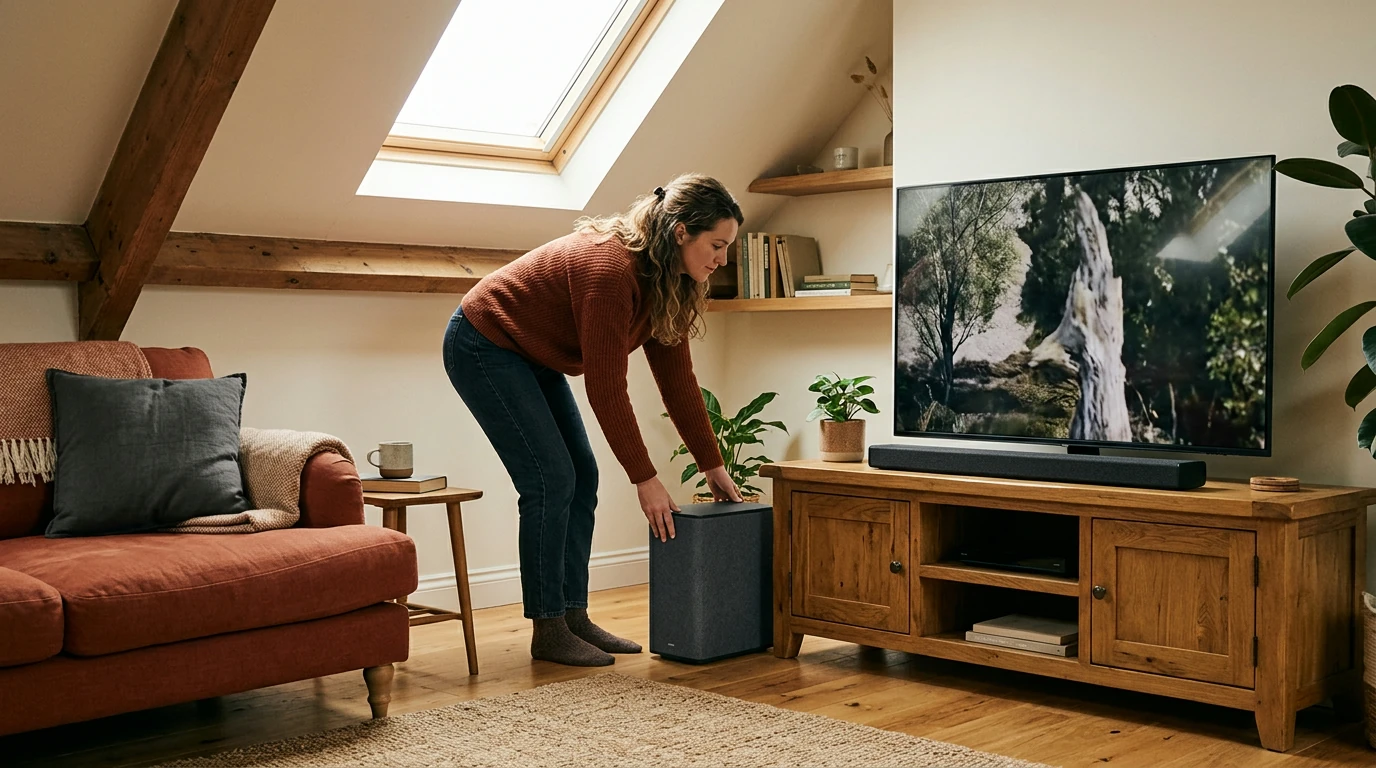
Raise the soundbar’s volume gradually, make sure it is not muted, and check the volume on your TV, phone, or other source; if you are using a remote, try the soundbar’s own controls as well. Then select the input that matches your connection, such as Bluetooth or the cable input you are using, and allow a moment for the source and soundbar to respond.
If you are streaming from a phone, confirm that the phone is connected to the soundbar rather than another speaker, headset, or device, and play a track you know has sound. If a TV app is silent, try another app or a different channel to see whether the issue affects everything or only one source.

For a wired setup, make sure both ends of the audio cable are firmly connected to the appropriate ports, and inspect the cable for visible damage before trying it again. If you have another suitable cable available, swapping it can help distinguish a cable problem from a setting or connection problem.
Open your TV’s sound settings and select the external audio output that matches your setup rather than relying on the TV’s internal speakers. If the TV offers several digital audio formats and you hear nothing, try a basic format such as PCM, if available, and test the sound again.
Featured in this guide
70W Bluetooth Soundbar with Wireless Subwoofer and Home Theater Sound System
Turn off the soundbar and the connected source, unplug them from power briefly, and then reconnect and turn them on before testing again. This power cycle is not necessarily a factory reset, so it is a useful first step when you want to restart the equipment without intentionally clearing saved settings.
If the soundbar works with one source but not another, focus on the silent source’s output settings and connection; if it stays silent with multiple sources, the soundbar or its connection may need further attention. For more setup guidance on our 70W Bluetooth Soundbar with Wireless Subwoofer and Home Theater Sound System, read our setup guide.
Start by turning it off, unplugging it briefly, and reconnecting it to power. For a factory reset, follow the instructions for your specific model, since the controls and steps can vary.




Leave a comment