
57% off on product page · save $21.98
Why Won’t My iPhone Recognize My Wireless Earbuds?
Your iPhone may not recognize your wireless earbuds because Bluetooth is off, the earbuds are not in pairing mode, or the two devices are too far apart. Open Settings > Bluetooth, turn Bluetooth on, and keep your earbuds close to your iPhone while you follow the earbuds’ instructions for entering pairing mode.
Look for the earbuds under Other Devices and tap their name when it appears; simply opening the charging case may not put every model into pairing mode. If you do not see them, turn Bluetooth off and back on, then try the pairing process again.
Check the product’s listed specifications when evaluating start with bluetooth and pairing mode.
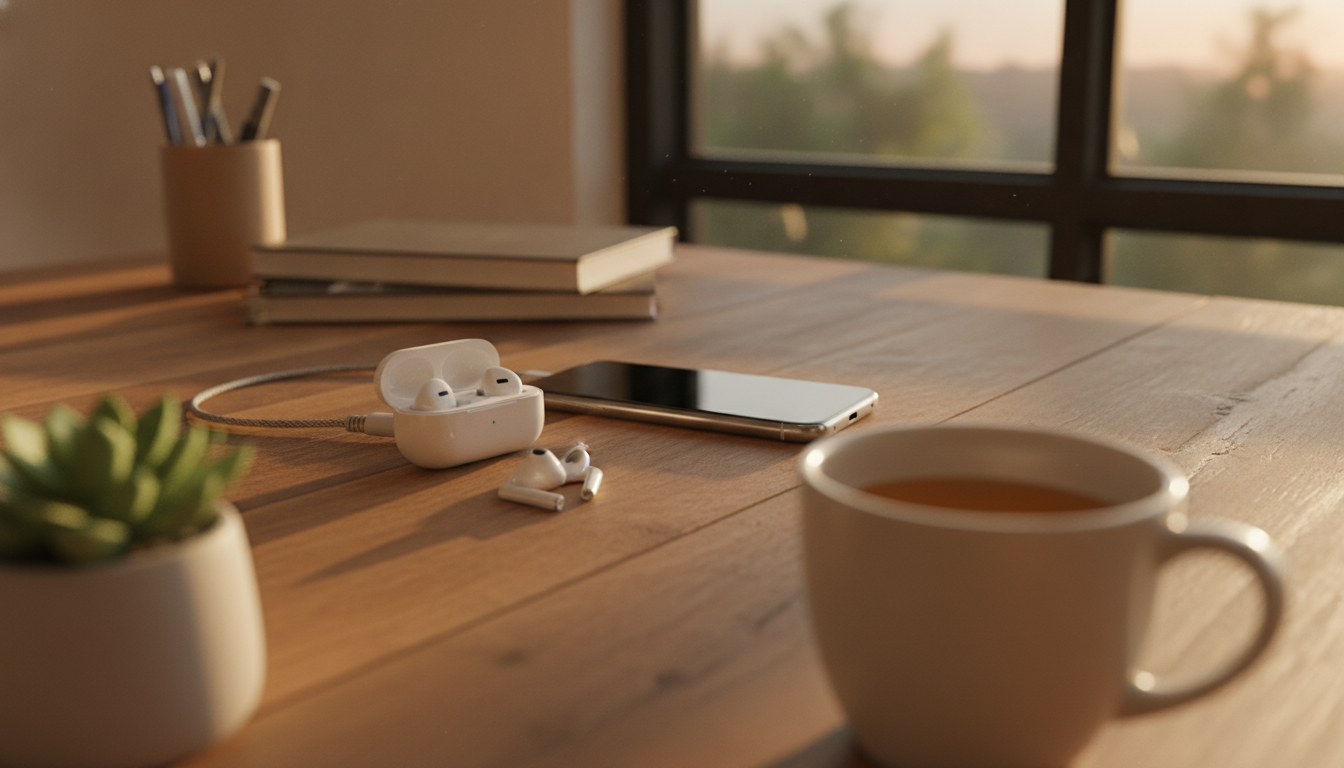
Low batteries can prevent earbuds from entering pairing mode, so charge both the earbuds and their case before trying again. Make sure the earbuds are seated properly in the case, and gently clean dirty charging contacts with a dry, soft cloth.
Your earbuds may also reconnect automatically to a nearby phone, tablet, or computer before your iPhone can find them. Turn off Bluetooth on those other devices temporarily, then put the earbuds back into pairing mode and look for them on your iPhone.
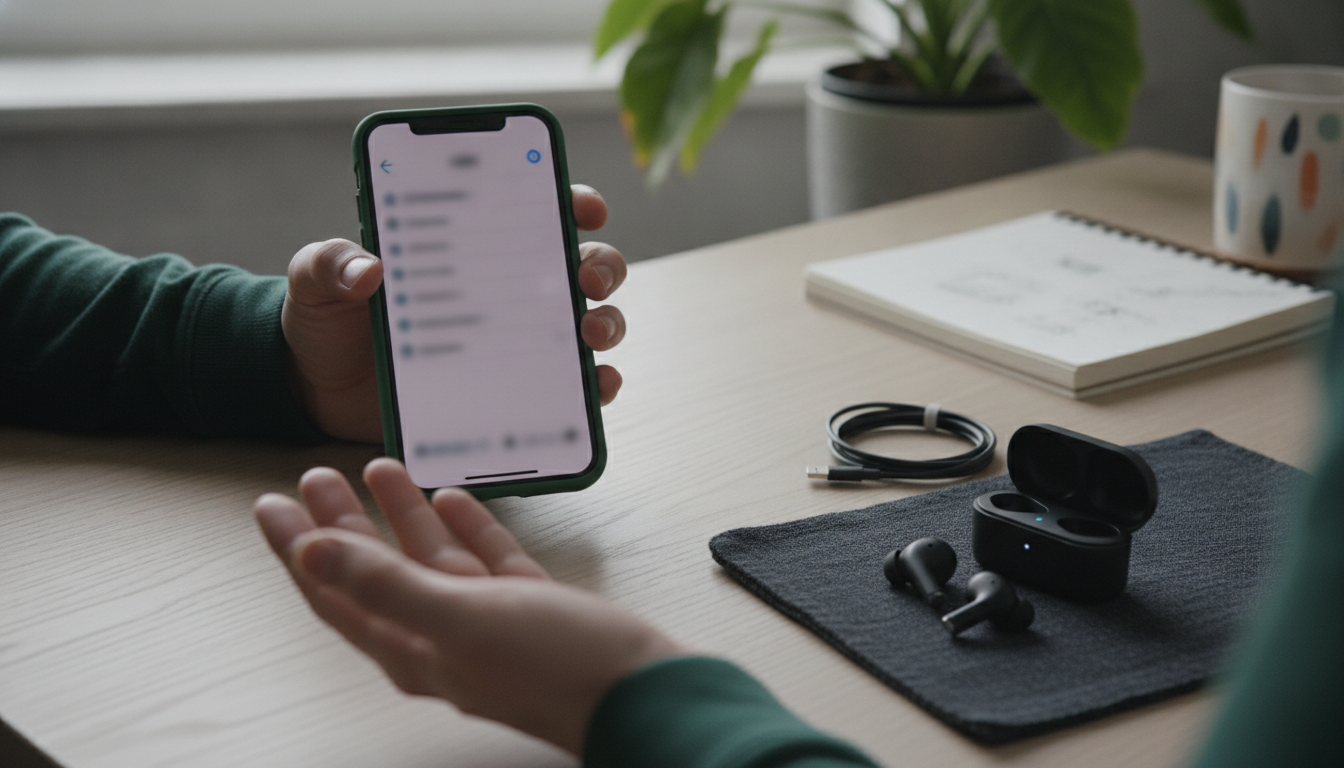
Featured in this guide
Wireless Earbuds with Bluetooth 5.3, 40H Playtime, Noise Cancelling, IP7 Waterproof
If your earbuds appear under My Devices but will not connect, tap the information button next to their name, choose Forget This Device, and confirm. Return the earbuds to pairing mode and select them again under Other Devices to establish a fresh connection.
If that does not work, restart your iPhone and reset the earbuds using their manufacturer’s instructions, since reset controls vary by model. You can also check for an iOS update under Settings > General > Software Update before trying again.
Try connecting the earbuds to another phone and try connecting a different Bluetooth device to your iPhone; these comparisons can help you narrow down which device needs attention. If neither device finds the earbuds after charging and resetting them, the earbuds may need service; if your iPhone cannot find other Bluetooth devices either, contact Apple Support.
Our Wireless Earbuds with Bluetooth 5.3 and 40H Playtime are one option to consider when shopping for earbuds, though the same basic Bluetooth troubleshooting steps apply across many models.
Your earbuds may not be in pairing mode, may need charging, or may already be connected to another device. Charge them, disconnect nearby devices, and look under Settings > Bluetooth while the earbuds are in pairing mode.
Bluetooth may be turned off, or a previous connection may be interfering with a new one. Turn Bluetooth back on and, if the earbuds are already listed, forget them before pairing again.




Leave a comment