
57% off on product page · save $21.98
Why Is My Bluetooth Not Finding My Earbuds? Fixes to Try
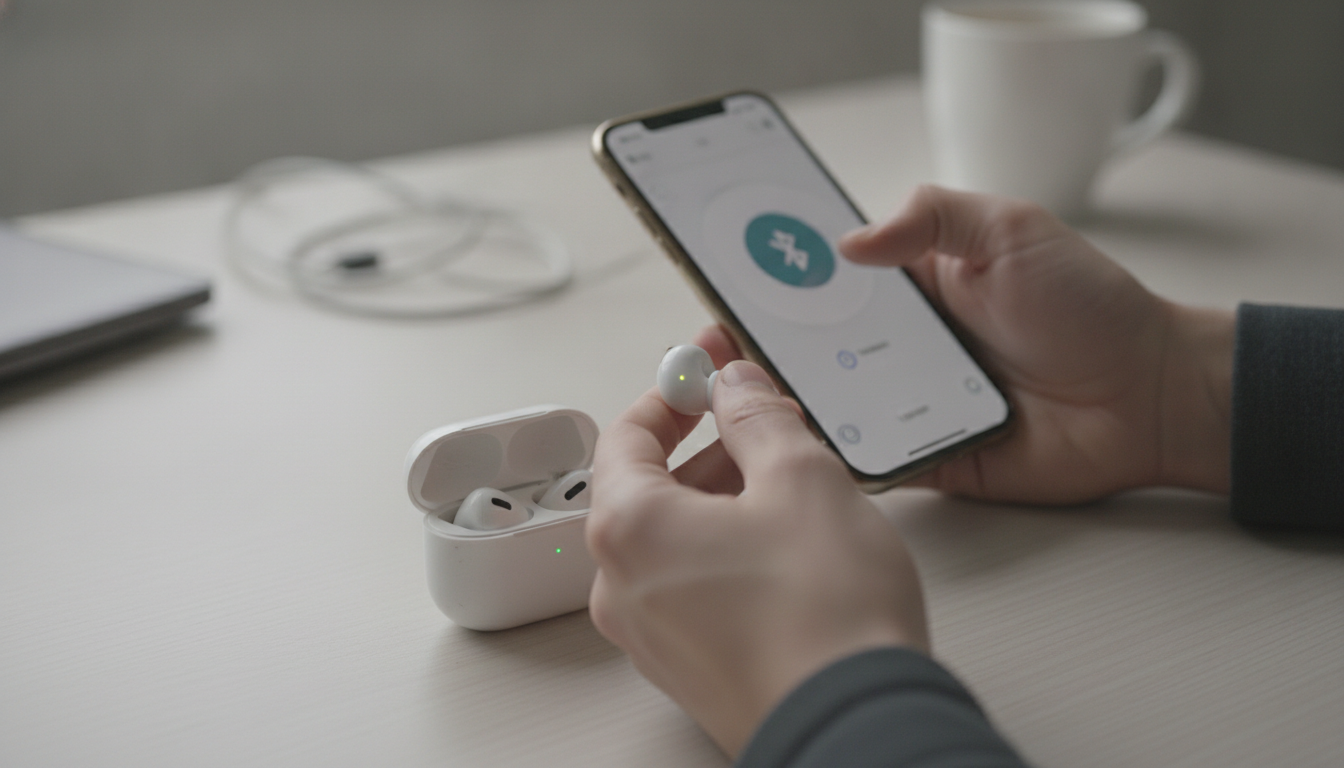
Charge both earbuds and their case, then put the earbuds into pairing mode using the controls described in their instructions; simply turning them on may not make them discoverable. Open your device’s Bluetooth settings and look under available or new devices, allowing a moment for the earbuds’ name to appear.
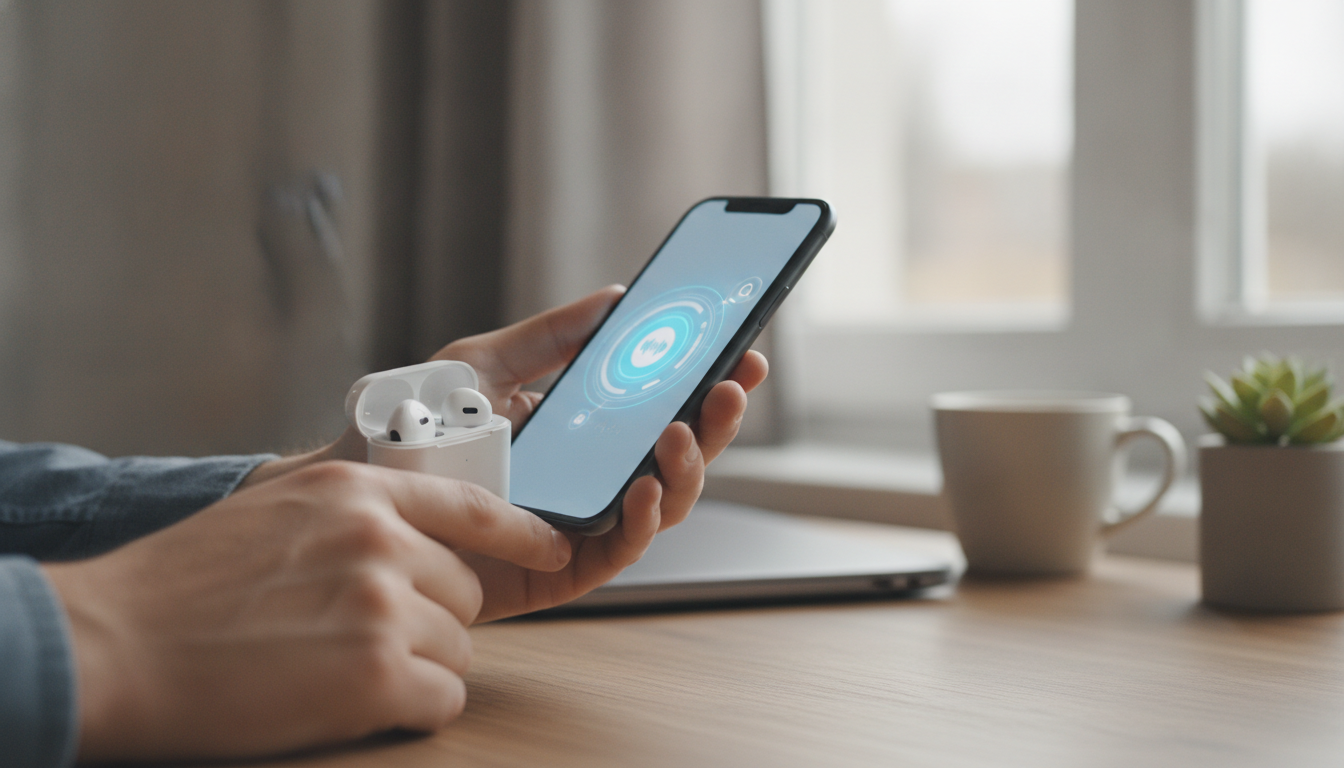
If your earbuds have previously connected to a phone, tablet, or computer nearby, they may reconnect to that device instead of appearing as available on the one you want to use. Turn off Bluetooth on the other device temporarily, keep your earbuds close to the device you’re pairing, and switch its Bluetooth off and back on before searching again.
Featured in this guide
Wireless Earbuds with Bluetooth 5.3, 40H Playtime, Noise Cancelling, IP7 Waterproof
If the earbuds appear in your Bluetooth list but won’t connect, select their name and choose the option to forget or remove the device, then put them back into pairing mode. Restarting your phone or computer can also clear a temporary connection problem; after it starts again, open Bluetooth settings and look for the earbuds as a new device.
A reset can help when the earbuds are stuck in an old connection or only one earbud seems to respond, but the button presses and timing vary by model. Follow the instructions for your earbuds, then charge them if needed and repeat the pairing process; our Bluetooth earbud troubleshooting guide covers this issue in more detail.
Our Wireless Earbuds with Bluetooth 5.3, 40H Playtime, Noise Cancelling, IP7 Waterproof are one option in our gadgets selection, but they still need to be discoverable before a device can find them. If your earbuds don’t appear on a second phone or computer either, our team suggests reviewing the model’s reset instructions and contacting its manufacturer for further help.
They may not be in pairing mode, may need a charge, or may already be connected to another nearby device. Charge them, disconnect other devices, and start a fresh Bluetooth search while the earbuds are in pairing mode.
Forget the earbuds in your device’s Bluetooth settings, restart the device, and try pairing again. If that doesn’t work, reset the earbuds according to their instructions and test them with another device.


Leave a comment