57% off on product page · save $21.98
How to Get Bluetooth to Recognize Your Earbuds
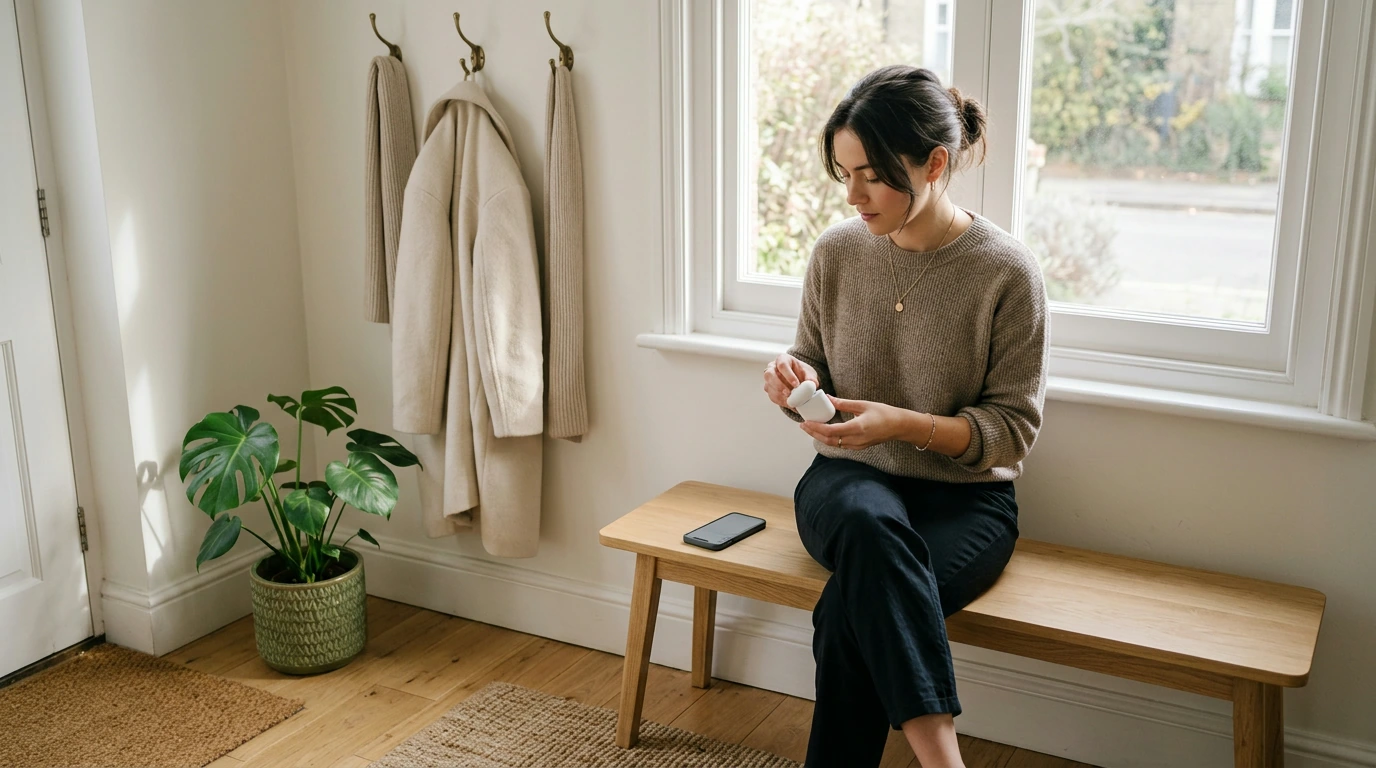
Charge both earbuds and their case first, then follow the manufacturer’s pairing instructions; depending on the model, you may need to open the case, press a button, or touch and hold a control on the earbuds. Pairing mode is different from simply turning the earbuds on, and an indicator light or audio prompt may let you know they’re ready to connect.
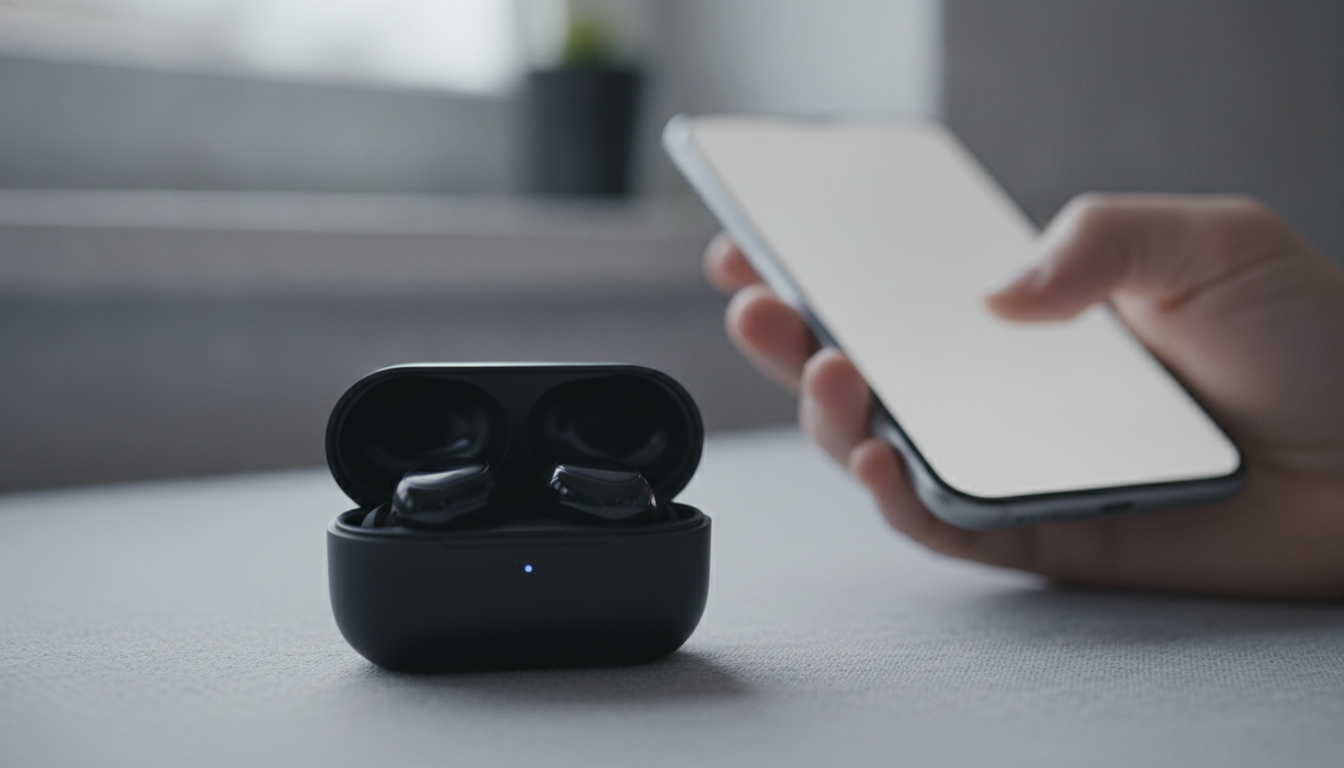
On your phone, tablet, or computer, open Bluetooth settings, make sure Bluetooth is turned on, and look under available or nearby devices for the earbuds’ name. Select that name to connect, and if you’re prompted to confirm pairing, accept the request and wait for the device to show that the earbuds are connected.
Check the product’s listed specifications when evaluating find the earbuds on your device.
Featured in this guide
Wireless Earbuds with Bluetooth 5.3, 40H Playtime, Noise Cancelling, IP7 Waterproof
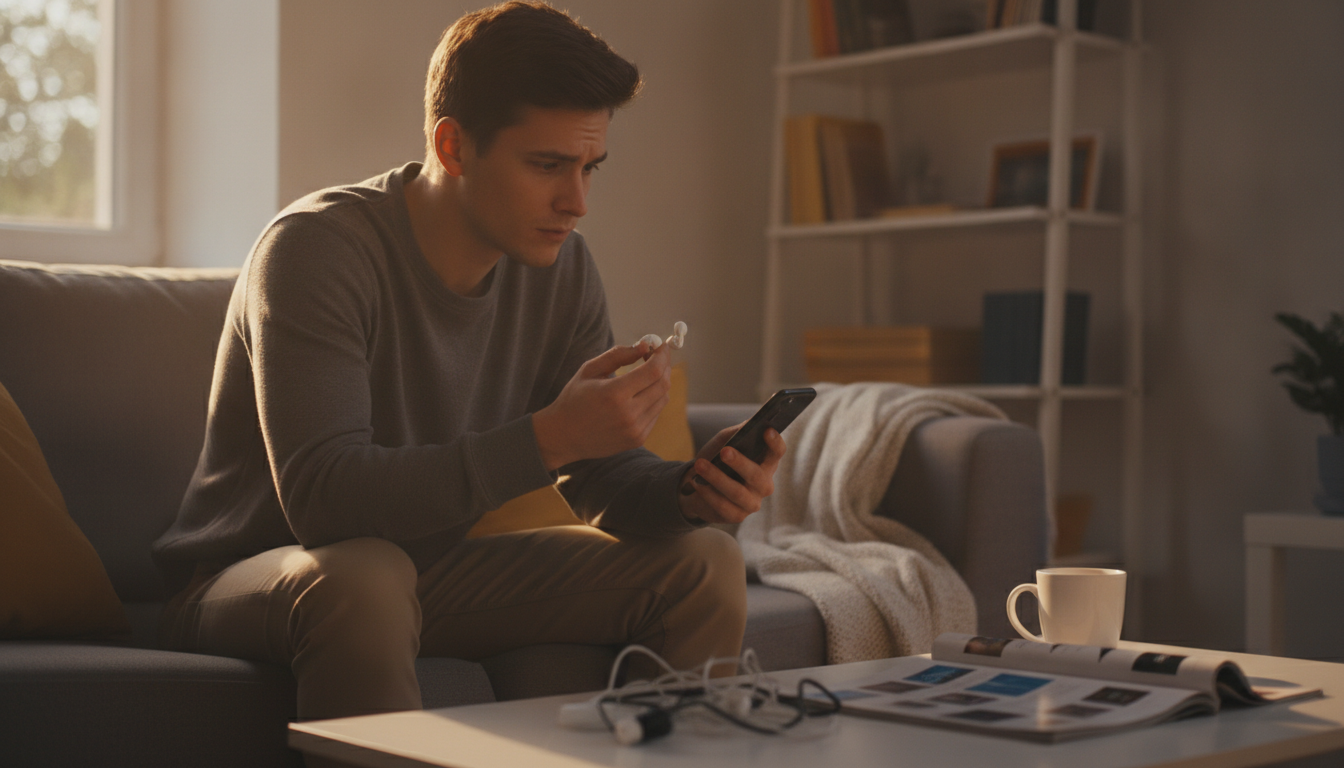
If the earbuds don’t appear, bring them close to your device, turn Bluetooth off and back on, and put the earbuds into pairing mode again. If they were previously paired but won’t reconnect, choose “Forget” or “Remove” next to their name in Bluetooth settings, then repeat the pairing process as though you were connecting for the first time.
Earbuds may reconnect to a previously paired phone or computer before your current device can find them, so temporarily turn off Bluetooth on nearby devices you’ve used with them. Restarting your phone or computer can also help, and you can try pairing the earbuds with another device to see whether the issue follows the earbuds or stays with the original device.
Our Wireless Earbuds with Bluetooth 5.3 are one option if you’re looking for wireless earbuds; the product is listed with 40-hour playtime, noise cancelling, and IP7 waterproofing. For more help with the connection process, you can return to our guide on getting Bluetooth to recognize your earbuds and use the pairing instructions supplied with your particular model.
Your earbuds may not be in pairing mode, may need charging, or may already be connected to another device. Charge them, disconnect them from nearby devices, and try pairing again with the earbuds close to your phone or computer.
Remove or forget the earbuds from your device’s Bluetooth settings, then put the earbuds back into pairing mode and select them from the available-device list. If they still won’t pair, follow the manufacturer’s reset instructions for your model before trying again.


Leave a comment