74% off on product page · save $63.26
How to Use a USB Humidifier: Setup and Care
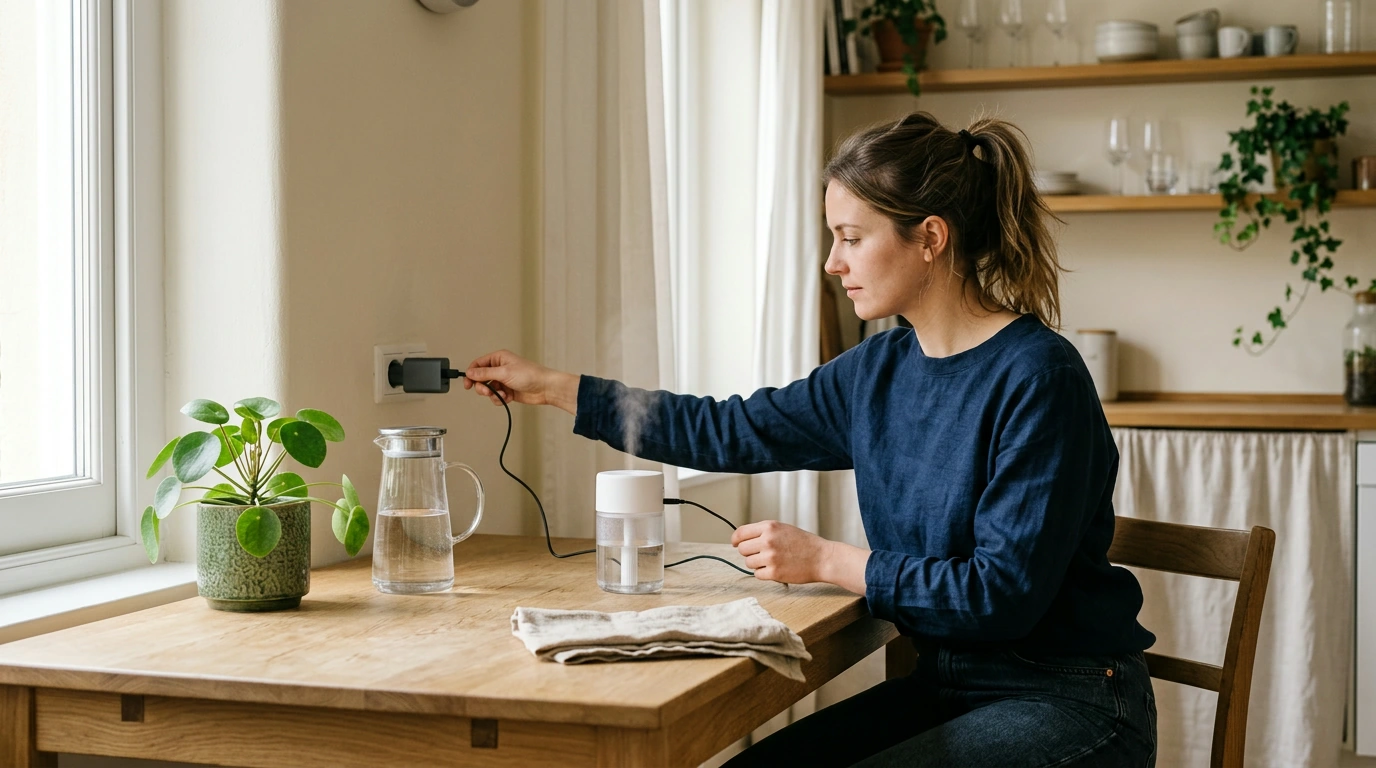
Place your humidifier on a stable, water-resistant surface where it has room to release mist, away from electronics, papers, and the edge of a table. Before filling it, disconnect the USB power cable and remove the water tank or open the reservoir as directed for your model.
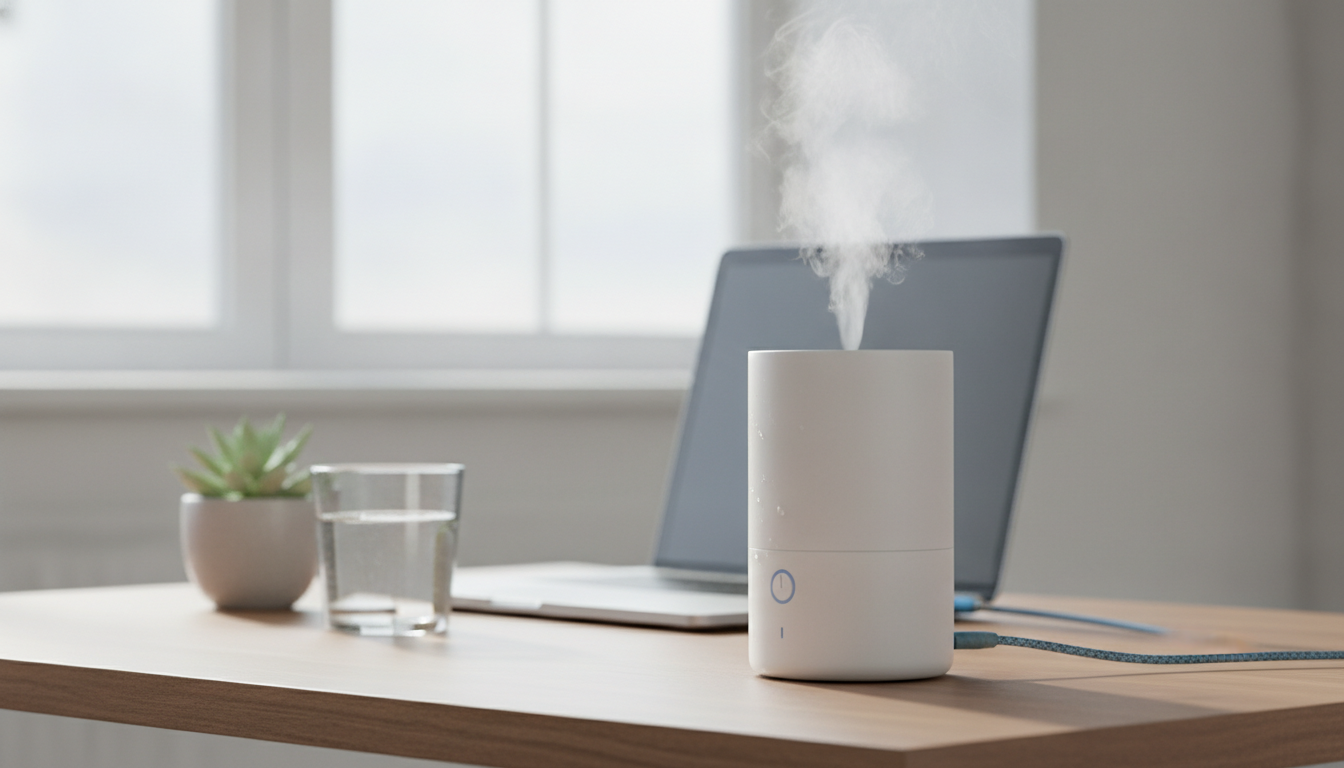
Fill the reservoir with clean water up to its marked maximum line, taking care not to pour water into the USB port or other electrical parts. Close or replace the tank securely, then connect the USB cable to a power source that matches the humidifier’s instructions.
Featured in this guide
USB Moon Lamp Humidifier & Essential Oil Diffuser
Press the power button or use the control described in your humidifier’s instructions, and allow a little time for mist to appear. If your model uses a cotton wick, it may need to be fully saturated before use; follow the directions supplied with that humidifier.
You can use a humidifier with water alone, and distilled or demineralized water can help reduce mineral buildup and white dust. Add essential oils only when the manufacturer says the device is designed for them, and follow its directions for where and how much oil to use.
Turn off and unplug the humidifier before emptying it, and keep the electrical connection dry while you clean the tank according to the manufacturer’s directions. Empty unused water, let the tank dry between uses, and clean it regularly so residue does not collect inside.
Our USB Moon Lamp Humidifier & Essential Oil Diffuser combines a humidifier and essential oil diffuser in one product, making it an option if you want both uses in one device. For a practical overview of setup and care, visit our guide on how to use a USB humidifier, and follow the instructions supplied with your particular unit.
Yes, you can use a humidifier with just water; essential oils are not necessary for humidification. Use clean water and empty and clean the tank regularly.




Leave a comment